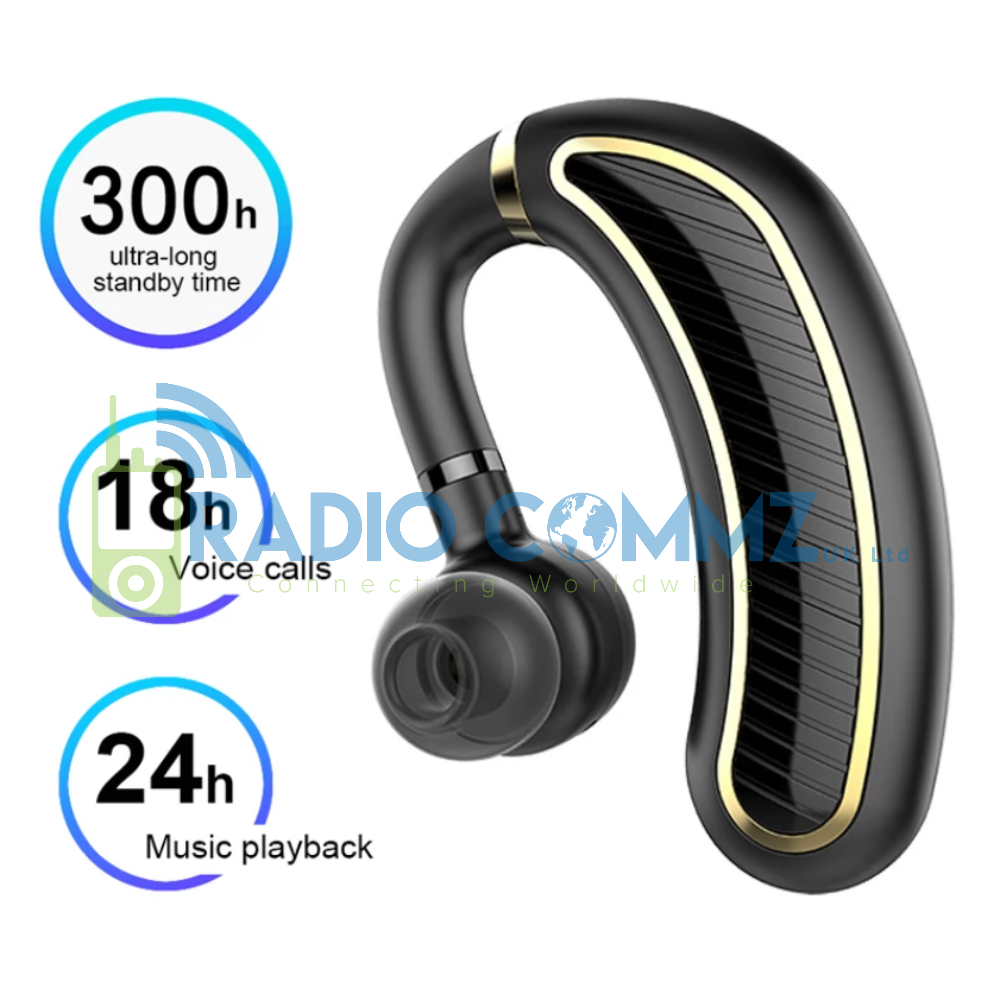
Bluetooth Long Life Earspeaker

0 out of 5

Long Life Bluetooth Earspeaker (Ideal for PoC devices) Features:

  • 180 Degree Spin for use in Left & Right Ear
  • Micro USB Charging
  • 300 Hour Standby Time
  • 18 Hour Voice Call
  • 24 Hour Music Playback
  • Bluetooth 5.0
  • Compatible with All Bluetooth Devices
  • Call Answer Button/ Programmable PTT Button
  • In-Built High Quality Microphone
Whats in my package? 1x Bluetooth Long Life Earspeaker How does this work? Simply power on the device and it will be displayed in your devices Bluetooth Settings, Pair and your then ready to use. For Zello use, on main transmission screen in bottom left corner you can select which Microphone to use, you will see the Bluetooth symbol to use the Mic built into this Earspeaker.

Original price was: £23.50.Current price is: £16.50.
Add to basket
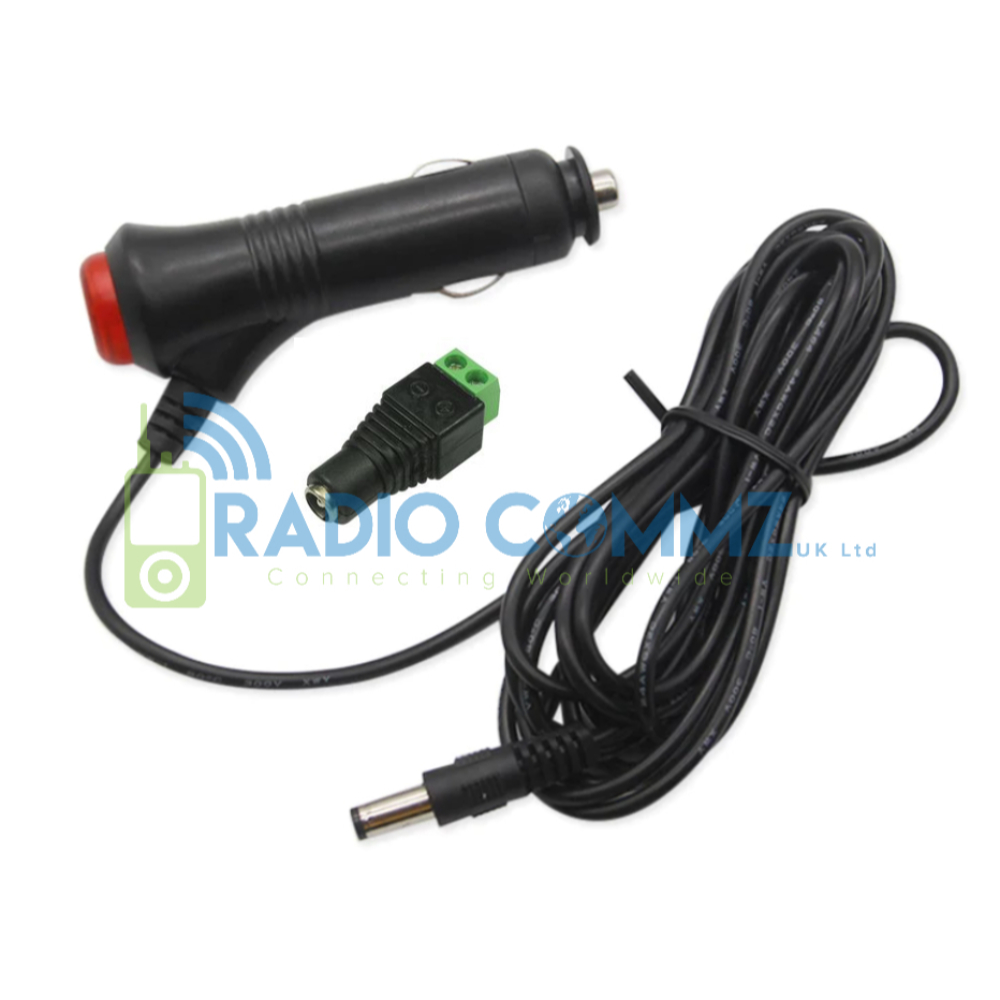
Inrico TM 7 Plus 12V 24V Cigarette Lighter Power Lead with On Off Button

0 out of 5

12V/24V Power Lead for Inrico TM7 Plus Features: For Inrico TM7 Plus In Built Protected 5A Fuse On/Off Button with LED (Prevents the Radio booting up when you do not require) Long 3 Meter Wire for flexibility Note: Simply connects to the wiring provided with your TM7 Plus. The + / - Wires are simply screwed into the Female Power Plug. See below for Wiring Details. Whats in my package? 1x 12V/24V Cigarette Lighter How does this work? You are using the wiring you got with the Radio. Instead of Hard Wiring direct to a vehicles battery which is what the wiring provided with the Radio is for, you would simply screw the 2 ends into the DC Plug provided. You should have a Black and Red wire. Red would screw into the + terminal and Black into the - terminal. The wiring you get with the radio is also a good length meaning you could have around 5 Metres available.

£13.95
Add to basket

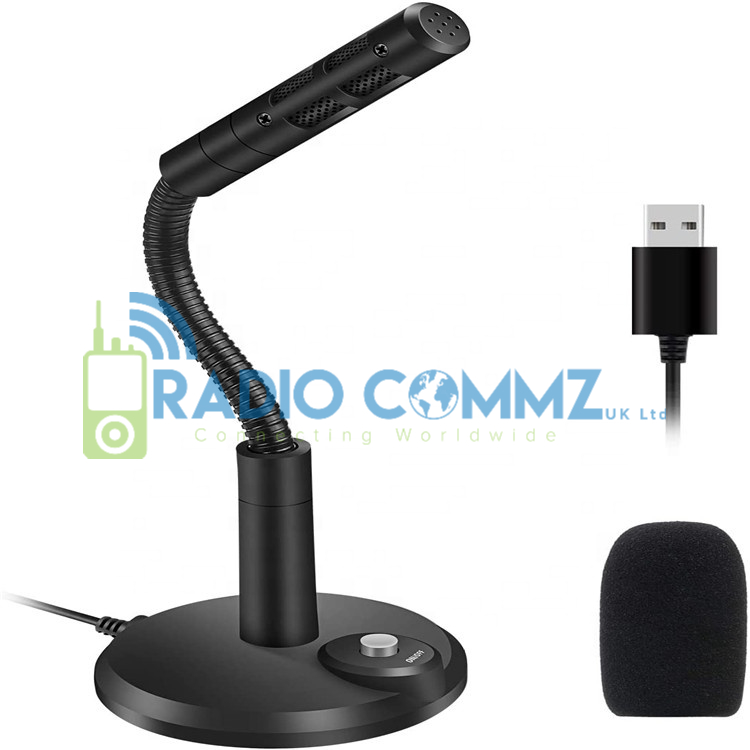
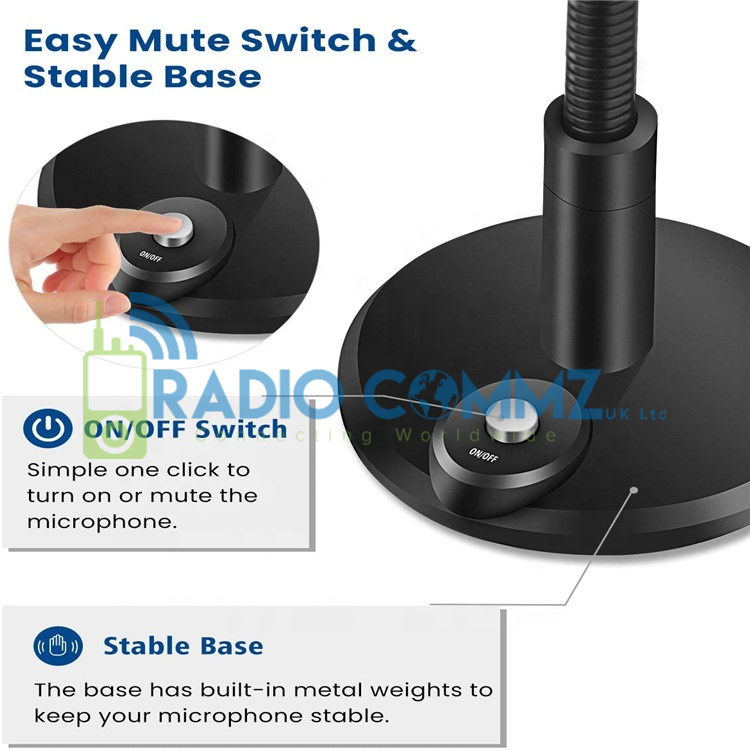
USB PC Microphone with Stand

0 out of 5

2021 Flexible USB Microphone with Stand (Ideal for PC use/Dispatchers) Features:

  • Blocks out unwanted background noise
  • USB Connection
  • Driver Free
  • Mute Button
  • 2.2M USB Length
Whats in my package? 1x Flexible USB Microphone How does this work? Simply plug in device to PC. The PC will detect and auto install it. You can then select on various application which Microphone to use.

£30.75
Add to basket

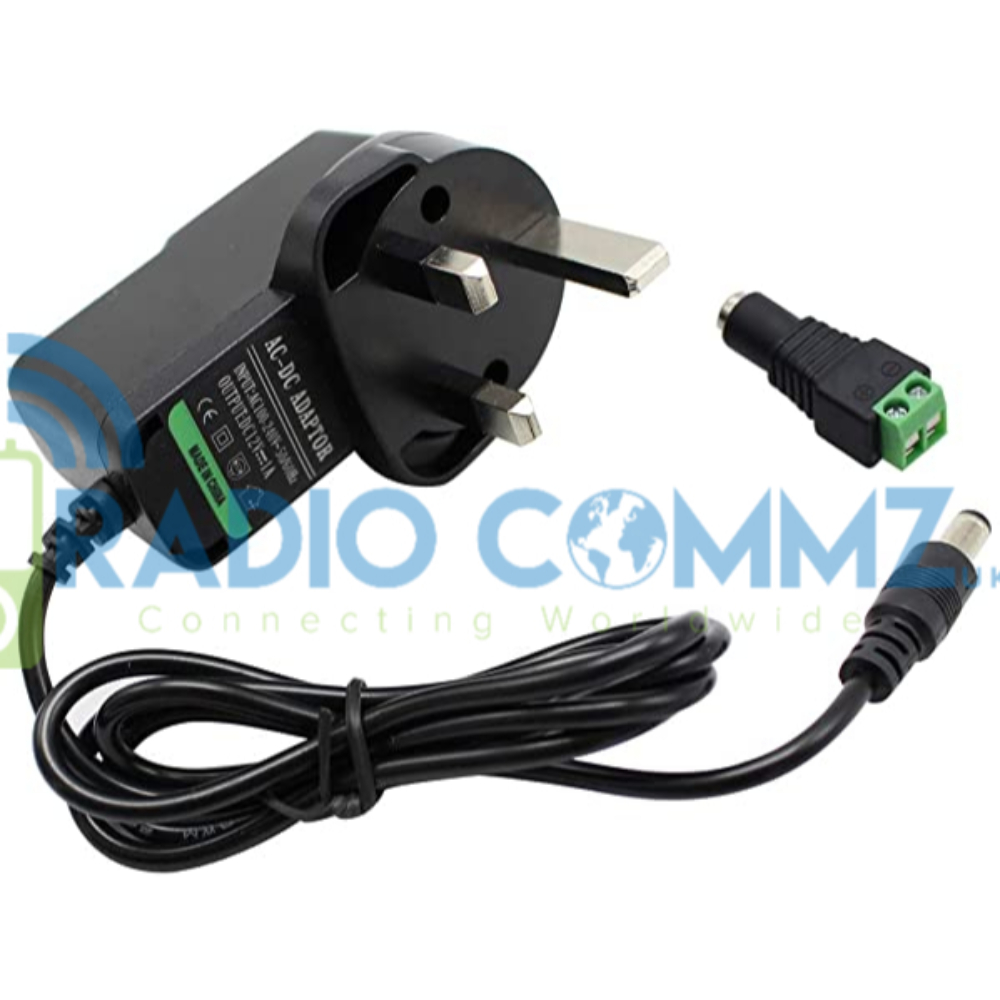
Inrico TM 7 Plus/ TM 9/ SenHaiX N60/ N61 Power Adapter Supply UK Plug

0 out of 5

Power Adapter with Female DC Connector. Features: For Inrico TM7 Plus/ TM 9 & SenHaiX N60/N61 Simply connects to Original Wiring with In Built Fuse. 1 Meter Cable Note: Simply connects to the wiring provided with your radio. The + / - Wires are simply screwed into the Female Power Plug. See below for Wiring Details. Small screw driver required to screw in the +/- wires into the female adapter. Whats in my package? 1x Power Adapter with Female Connector. How does this work? You are using the wiring you got with the Radio. Instead of Hard Wiring direct to a vehicles battery which is what the wiring provided with the Radio is for, you would simply screw the 2 ends into the DC Plug provided. This is a UK Mains Adapter.

£22.15
Add to basket

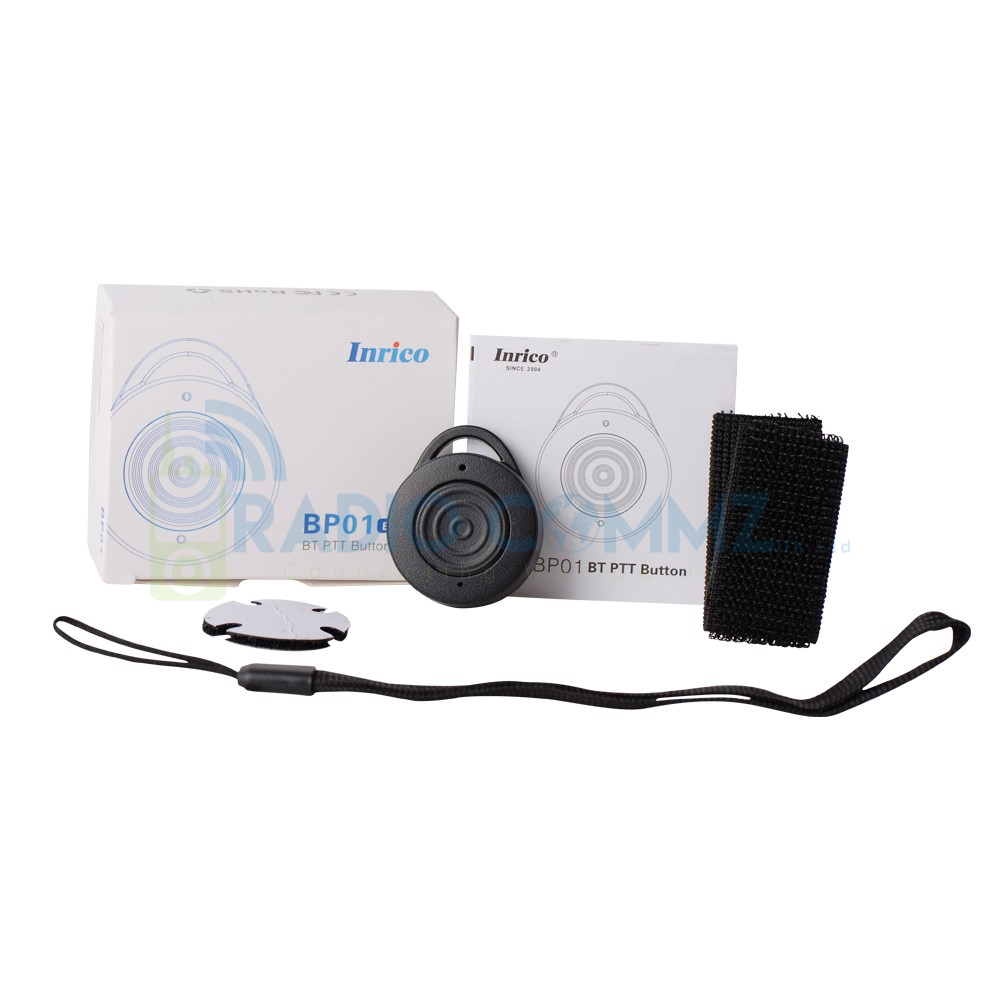
Inrico BP01 PTT Button Bluetooth

0 out of 5

Hold to Talk PTT Button (Various Radio Models supported inc iOS) Features: Working Time: 4 to 6 Months with CR2032 Battery Bluetooth 5.1 Chip What's in my package? 1x PTT Button& Instructions

£27.50
Add to basket

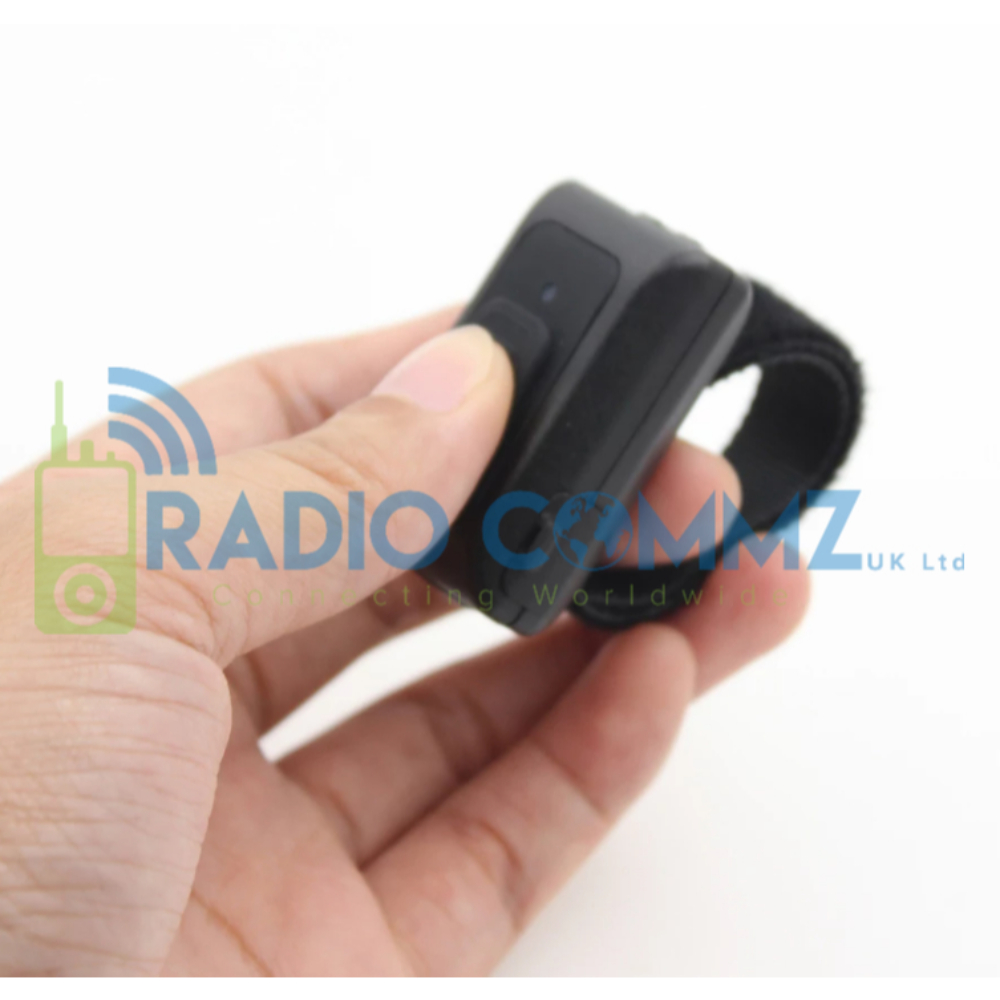
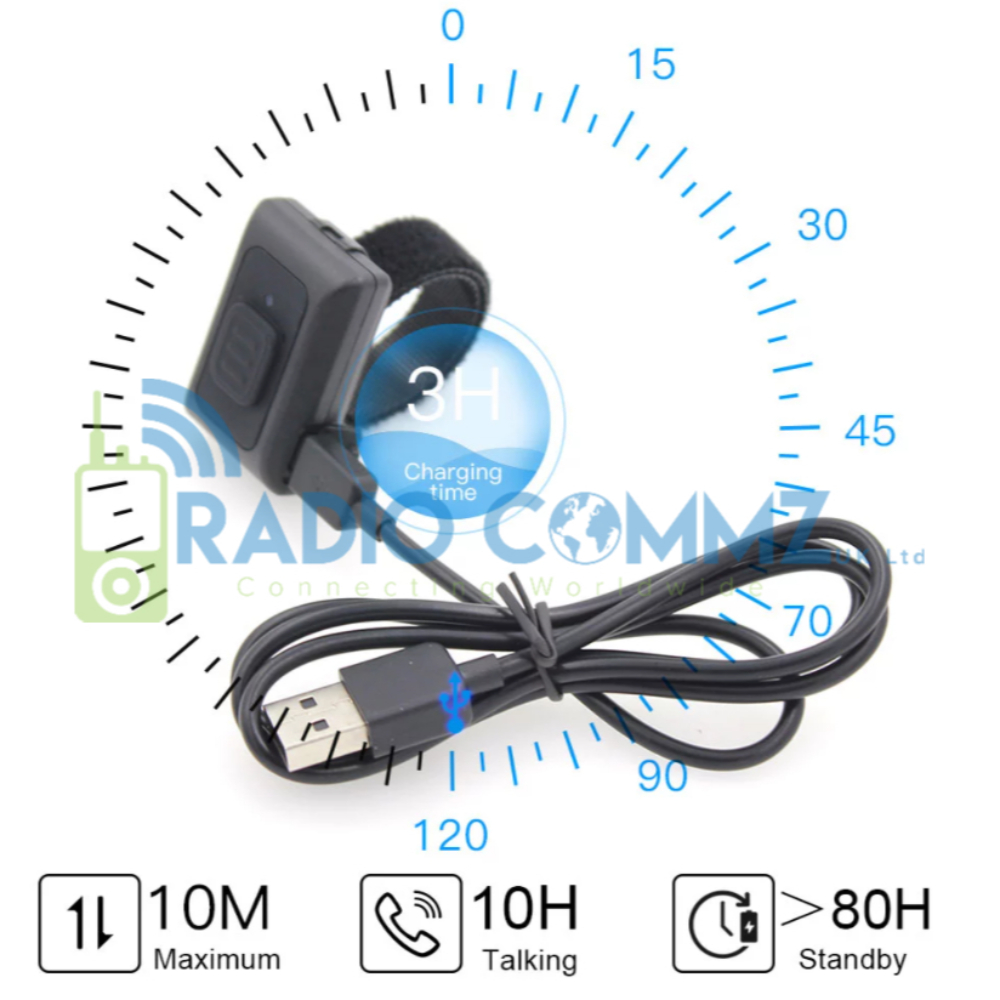
Network Radio PTT Button Steering Zello Bluetooth

0 out of 5

Hold to Talk PTT Button (Various Radio Models supported inc iOS) Features: Working Time: 30 Hours Standby Time: 80 Hours Charging Time: 3 Hours Operating Distance: 10 Metres Waterproof Rating: IP54 Battery Type: 200mA/3.7v Lithium Multi Coloured LED Simple Pairing from Settings, Bluetooth Whats in my package? 1x PTT Button, Charging Lead & Instructions How does this work? Power PTT Button on, You then go to Android Settings, Bluetooth. You will see the device displayed as Blu-PTT, select it and it will pair. Open Zello and see if it responds. If it does not enter Zello Settings, Push to Talk Buttons the select Add. To turn PTT Button off, turn off Bluetooth on the device and hold the PTT Button for 5 Seconds, it will then power down and automatically pair up when you power it back up.

£42.25
Add to basket

Sound Files PTT Emergency Services Style Motorola/Sepura

0 out of 5

Motorola/Sepura Sounds WAV Files for Zello. Download and extract the ZIP, drag the sound file to radio via My Computer/This PC. Folder the files need to be in is "Zello then Sounds". Open the App, select Notification then adjust the notification sounds.

£3.00
Add to basket